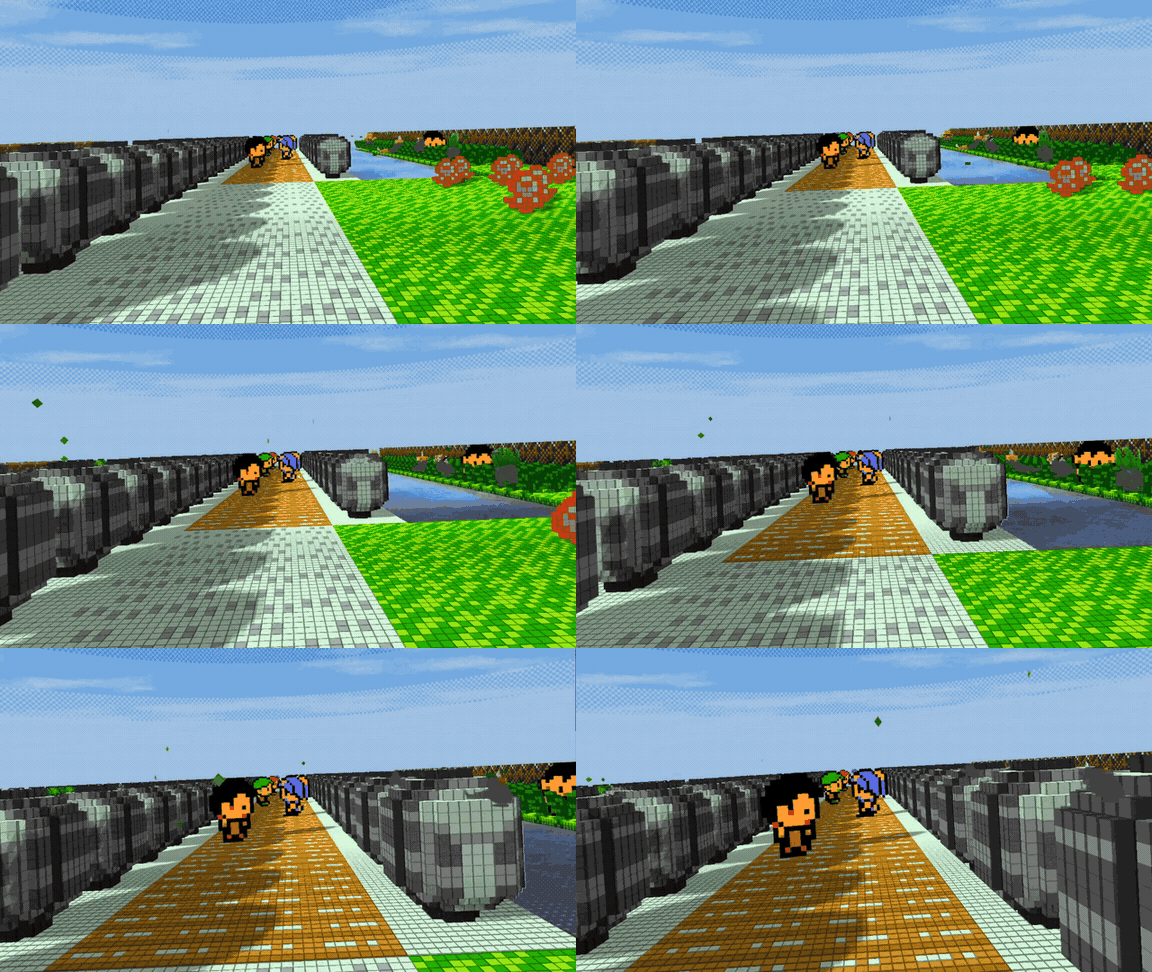
A fully first-person VR mod for Pokémon Red, Blue and Yellow — built for standalone Meta Quest 2 and 3, with no computer required. Make every route, rival battle and pixel feel enormous.
↳IMPORT YOUR OWN SAVE ROMSBring your legally owned save files and compatible ROMs into the adventure.
ASMODPKMQ brings the classic Kanto adventure into a fully immersive first-person perspective. No flat screen. No window. Just you, the world, and the next tall patch of grass.
SUPPORTED WORLDS+ONE VR VIEW
C
WORLD COMPATIBILITY 01
Cobblemon
Fully compatible with Cobblemon’s living-world spirit, discovery-first exploration, and custom data creativity. Step into a first-person VR experience built for Quest 2 and 3.
Step into the tall grass · meet the world up close
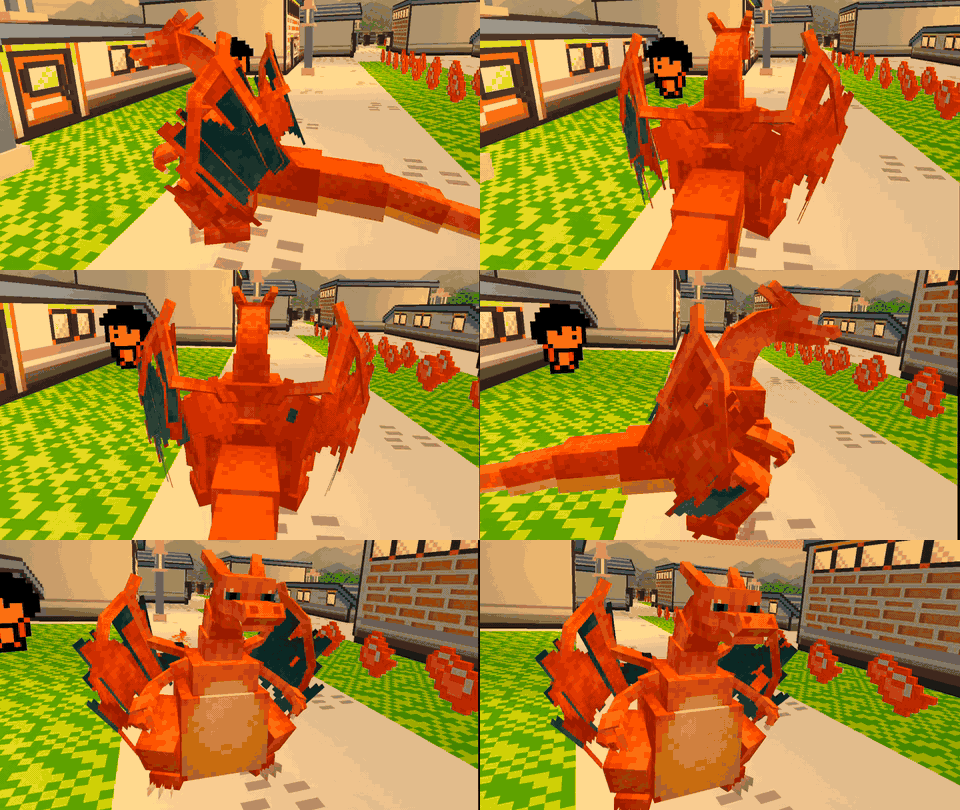
Bring bold 3D silhouettes and classic battle-ready character into the same immersive first-person VR world.
First-time asset bake: Installing Stadium 2 assets may make ASMODPKMQ freeze briefly while the assets bake. This is expected. It will unfreeze when baking is complete, so leave ASMODPKMQ open and do not close it.
Classic forms · rebuilt for a world you can enter
Classic models · VR ready
VR
BUILT-IN SYSTEM · POKE VR
Poke VR, built in.
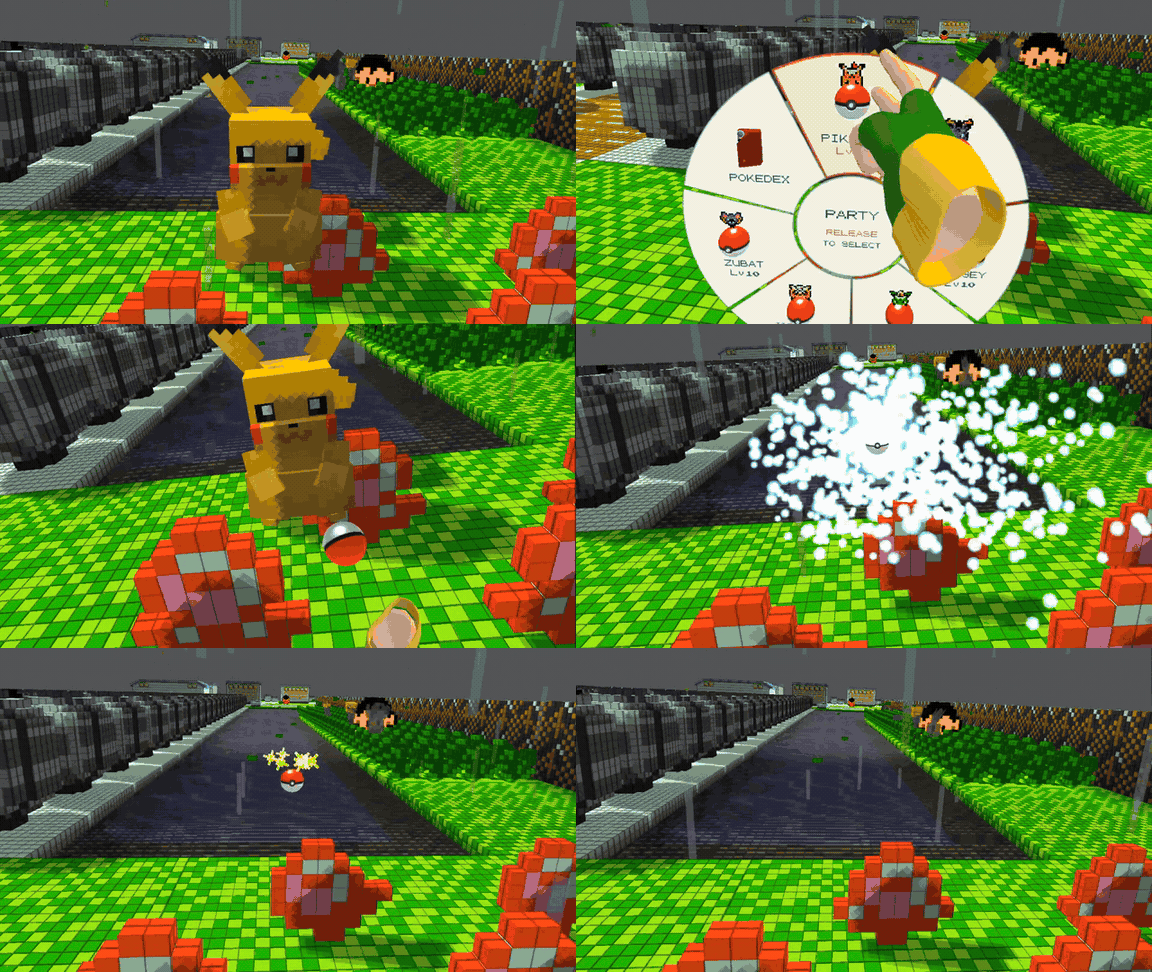
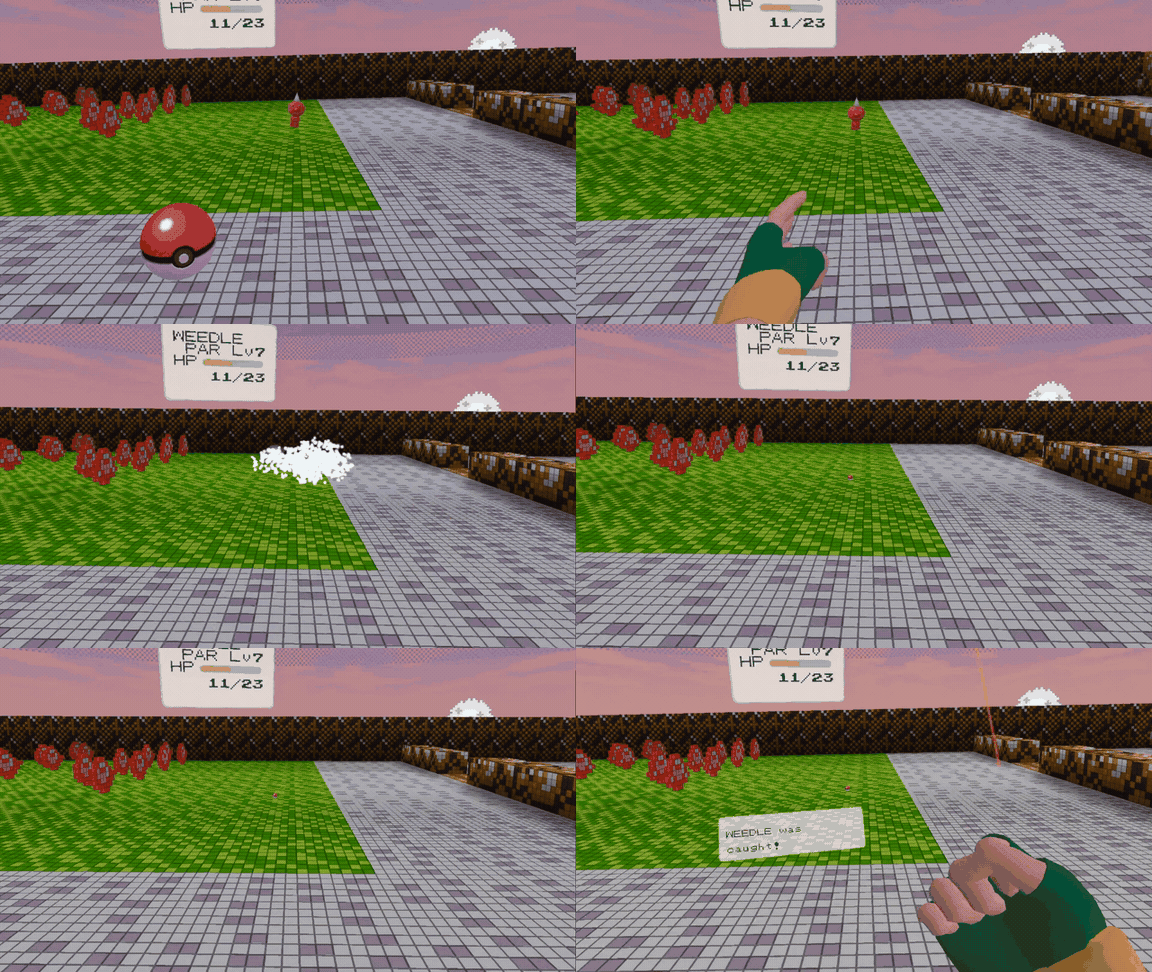
See a wild Pokémon, reach out, and catch it from inside the world. Poke VR is built directly into ASMODPKMQ, turning every encounter into a physical first-person moment designed for standalone Meta Quest 2 and 3.
WILD ENCOUNTER · HANDS-ON VR
Look. Reach. Catch. Repeat.
DV
IMMERSIVE DISPLAY · DYNAMIC VIEWING
Kanto, seen like never before.
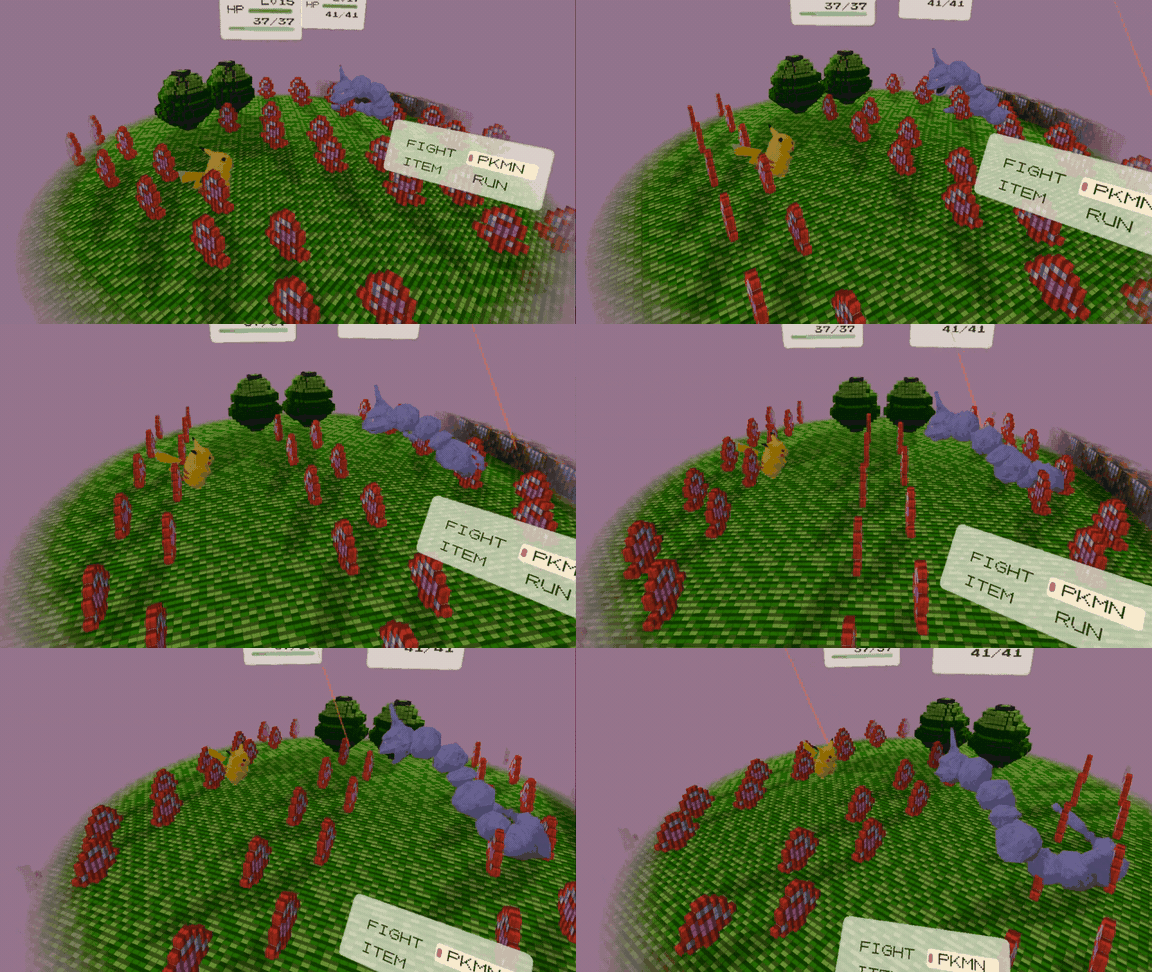
Shift the way you experience the region with cool, immersive dynamic viewing settings that make every route, landmark, and encounter feel alive from a new perspective.
Change your view · change the feeling of Kanto
Dynamic settings · deeper immersion
01
◉
First-person, for real
Look around routes, towns and battles as if you stepped inside the cartridge.
02
⌁
Built for Quest
Standalone play on Meta Quest 2 and 3. No PC tether. No extra hardware.
03
✦
Three ways to play
Red, Blue and Yellow each get their own portal into the Kanto you remember.
04
VOX
Speak your way through
Turn on optional voice commands for a more natural VR rhythm. Call up actions hands-free and stay focused on the world around you.
05
≈
Water that moves with you
Reach into the water and watch the surface respond around your hand. Ripples, movement, and shifting reflections make every interaction feel physical.
REAL-TIME WATER PHYSICS · HANDS-ON VR
02DOWNLOADS
One build. Three colors.
Pick the color you love. Every button downloads the same complete, universal ASMODPKMQ APK—so there are no separate builds to choose between.
Quest 2 / Quest 3 One universal APK · ready to play
✦
One install. Your choice of color. Red, Blue, and Yellow are three distinct portals to the same download.
Only download ROMs you legally own. ASMODPKMQ does not include or distribute game files.
03QUEST INSTALL GUIDE
Quest APK tutorial.
Install it right on your Meta Quest 2 or 3. No computer, SideQuest, or Developer Mode needed—just download the APK and open it with Package Installer.
↗
Before you begin
Open this website in the Quest browser and tap any colored download button. They all open the same universal APK. The file will be saved to your headset’s Downloads folder.
In the Quest browser, tap any of the Red, Blue, or Yellow download buttons above. They look different, but each one opens the same universal APK. If Google Drive opens a file preview, tap its Download icon and confirm the download if asked.
Pick whichever color you likeThere’s only one build to download, so you don’t need to choose a separate version.
02
OPEN THE DOWNLOADED FILE
Choose Install with Package Installer
Open the Quest’s Downloads list in the browser, or open the headset’s file browser and go to Downloads. Find the APK you just downloaded, open its three-dot menu, and choose Install with Package Installer.
Can’t see the APK?Check the browser’s Downloads list first. Wait for the download to finish, then open the file’s menu again.
03
APP INSTALL PERMISSION
Allow Package Installer
If Quest blocks the install, open Settings from the prompt and enable Allow from this source (or the equivalent unknown-app permission) for the app you used to open the APK. Return to the APK and tap it again.
Only allow apps you trustThis permission lets the selected app start APK installs. Keep it limited to the source you’re using, and turn it off again afterward if you prefer.
04
CONFIRM & PLAY
Install, then launch
When Package Installer opens, check the app name and tap Install. When it says the app is installed, tap Open or find ASMODPKMQ in your Apps library. If it isn’t listed with your other apps, check the Unknown Sources or Untrusted section.
✓
You’re ready to play Open ASMODPKMQ on the headset and follow its on-screen prompts.
Quest menu labels can vary slightly by software version. If you see a different Package Installer prompt, follow the headset’s on-screen steps to allow the APK install.
04FIELD NOTES
Questions answered.
Everything you need before you put on the headset and step into Kanto.
01What platforms are supported?+
ASMODPKMQ is designed for standalone Meta Quest 2 and Quest 3. No PC tether or extra tracking hardware is required.
02Which Pokémon versions can I play?+
Choose from Pokémon Red, Blue, or Yellow using the matching build in the Downloads section. You provide the game files you legally own.
03Can I import my own save ROMs?+
Yes. You can bring your own legally owned save files and compatible ROMs into the adventure, so you can continue from a journey you already started.
04Does the mod include game files?+
No. ASMODPKMQ does not include or distribute copyrighted game files. Use only materials you own and are legally permitted to use.
05What model styles are supported?+
The experience supports both Cobblemon-compatible content and classic Stadium 2 models, bringing them into the same first-person VR world.
05COMMUNITY
Stay in the loop
The party is online.
✦ JOIN THE COMMUNITY
Pick your portal. Catch test builds, fresh clips, behind-the-scenes moments, and the occasional shiny.